
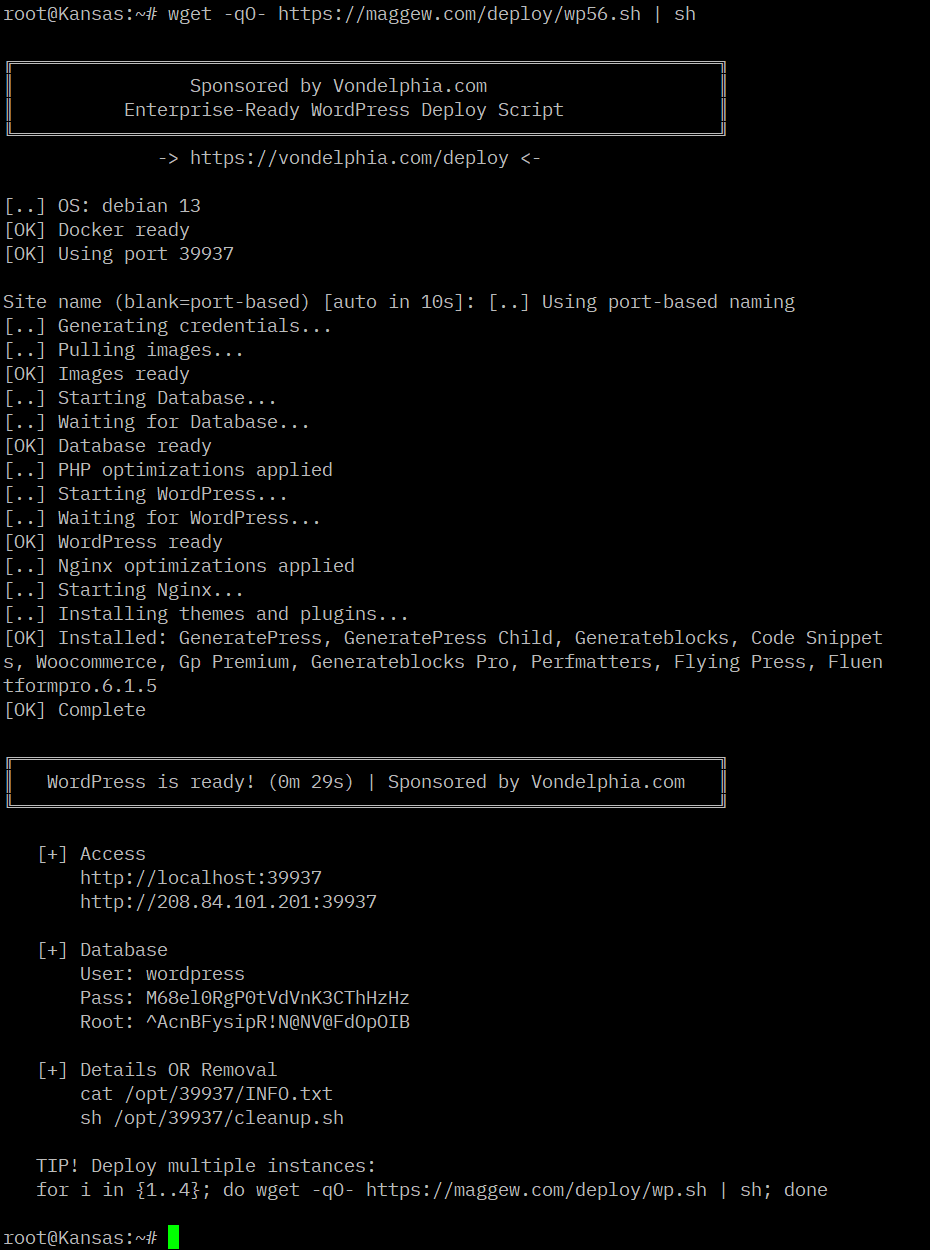
In your terminal, just copy paste this command:
wget -qO- https://von.host/deploy/wp.sh | shOR customize folder directory
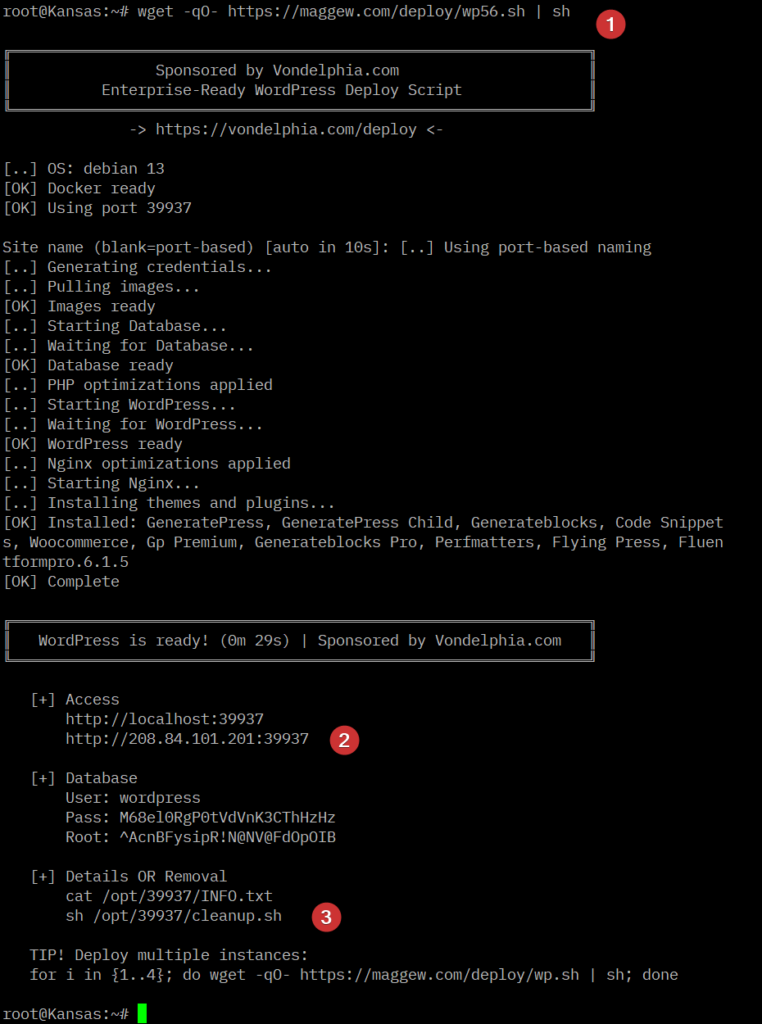
wget -qO- https://von.host/deploy/wp.sh | sh -s sitenameA complete LEMP stack to install individual WordPress instances on your server. After you run the command, this is what you’ll get…
Benefits
Enterprise, Production-Ready automated installer for an optimized WordPress instance using Docker (or Podman). This script is specifically designed for hosting and optimizing WordPress websites.
- Linux, Nginx, Docker, MariaDB, Basic CONF and Premium plugins
- Multisite ready
- No caching needed
- No control control panel
- Designed for Alpine Linux
- ~10 hours of development time
Inspiration
Aside from these aspects, from what I’ve observed, when you start utilizing a website admin panel for management and deployment, it generally shifts towards a service-based deployment.








I would say, on a scale from 1 to 10, this is a SOLID 8.2 and is very light-weight… EVERY line matters and there is no extra fluff or bloat. Just take a brand new VPS for example, run a single command and in less than 60 seconds you’ll have a WordPress install screen… that’s the magic.